
Warehousing happens after consolidation-only returns have been verified and once all inventory items from returns requiring Grading have been graded.
Previous steps:
Getting started
Warehousing takes place in the ReturnBear Hub App. Log in using your provided login credentials and navigate to the Warehouse page:
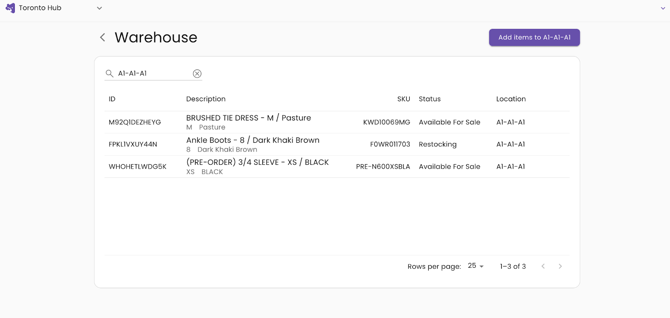
The Warehouse page displays a list of all that need to be warehoused.
Warehouse
Select the search bar and either scan a location barcode using a hand scanner or enter a location manually.
Click Add items to [location] to begin moving items to that location in the warehouse.
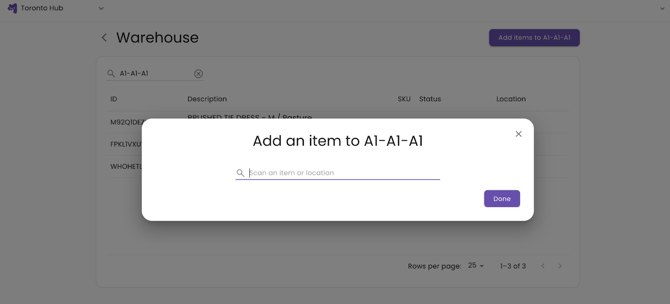
Scan the License Plate to add the return case (consolidation-only) or inventory item (grading) to the selected location.
If needed, scan another location barcode using a hand scanner or enter a location manually in the search bar to move all items from one location to another: